Chat has more than a text box.
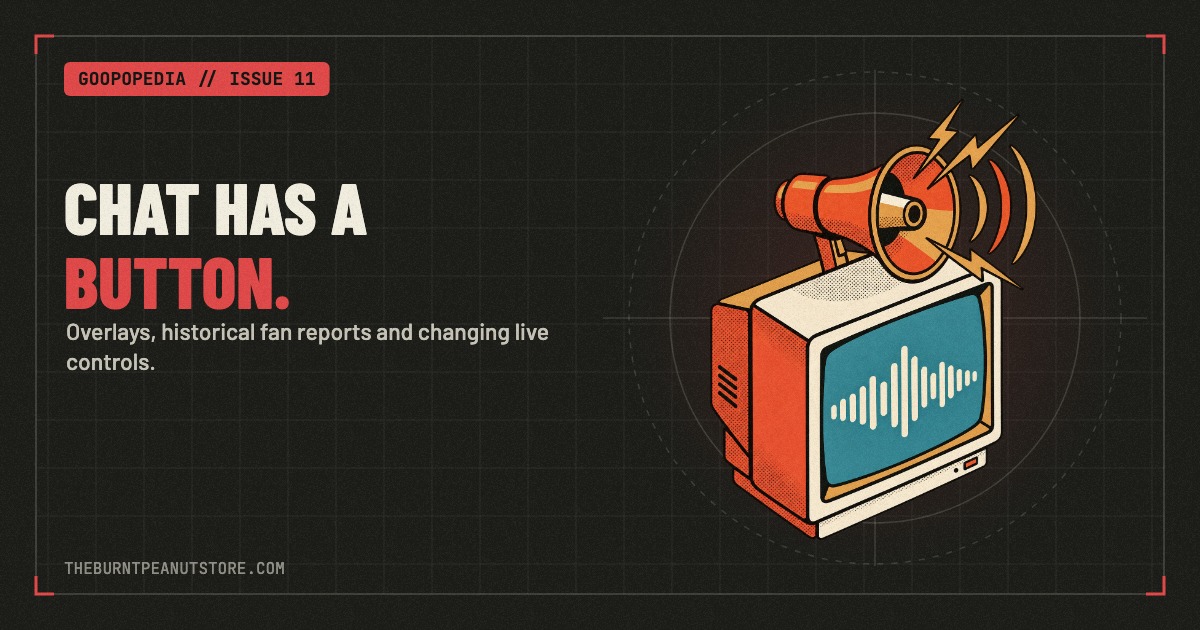
Viewer messages and effects are part of TheBurntPeanut's broadcasts, giving the audience another way to interrupt, add a joke or become part of the moment. Two useful names to know are Tangia and the channel's published StreamElements TTS command.
What Tangia Does
Tangia provides viewer-triggered interactions for livestreams, including text-to-speech, memes, soundbites and media sharing. Viewers can send interactions through its viewer pages or Twitch extension.
Its public interaction catalogue includes effects such as Fire Alarm Chirp and Scary Door Knock. These are examples from Tangia's catalogue; each stream has its own available selection.
For a Peanut archive entry, MoreBurntPeanut's Chat Tortures Peanut With Tangia collects just over an hour of Dark and Darker gameplay. Viewer messages share the audio with the squad's dungeon-running conversation. The title tells you what kind of evening the uploader thought they were having.
How Peanut's Text-to-Speech Command Works
The channel's public StreamElements commands include !tts. Its response directs viewers to the StreamElements tip page or to Bits in a Twitch message.
The same response says the required price varies according to the dial in the top-right corner of the stream. Check the live dial and current command before sending anything.
That dial is a pricing cue. It does not describe a menu of increasingly powerful sound effects.
Peanuts, TTS and Effects
The names can get confusing, so start with the action you want:
- Changing an outfit: check !outfits and !peanuts in the channel's published commands.
- Sending a spoken message: check !tts and the current on-stream dial.
- Choosing a Tangia interaction: check the options, availability and price shown in the channel's Tangia interface.
An old clip is useful for seeing a moment again. For current purchase details, use the live interface rather than a remembered Bit amount.
Why the Interruptions Become Part of the Show
A viewer message adds another voice to a scene that already has plenty going on. In the Dark and Darker archive above, the conversation moves between dungeon loot, teammates trying to find each other and messages from viewers.
That overlap is the appeal. Chat can become part of the exchange instead of watching it from a separate window. With Peanut's avatar reacting alongside the squad, even a small interruption has room to turn into a bit.
If you are looking for one particular reaction, save the video and timestamp. It makes the moment easier to find and avoids mixing one alert with another.
Quick Questions
Where should I check the current TTS requirement? Use the channel's !tts command and the dial shown on the live stream. The published command says prices vary with that dial.
Are outfit changes the same as TTS? The public command list gives them separate instructions: !outfits uses Peanuts, while !tts points viewers toward tips or Bits.
Does every Tangia streamer have the same effects? Tangia has a shared catalogue, but viewers should check the individual channel's available interactions. Tangia's community guide explains how streamers add shared interactions to their own libraries.
For the wardrobe side of the show, read Inside the Peanut. For the pre-stream spectacle, browse the intro video archive.