A peanut with human eyes and a mouth should have a limited acting range. Somehow, a hat change makes it even funnier.
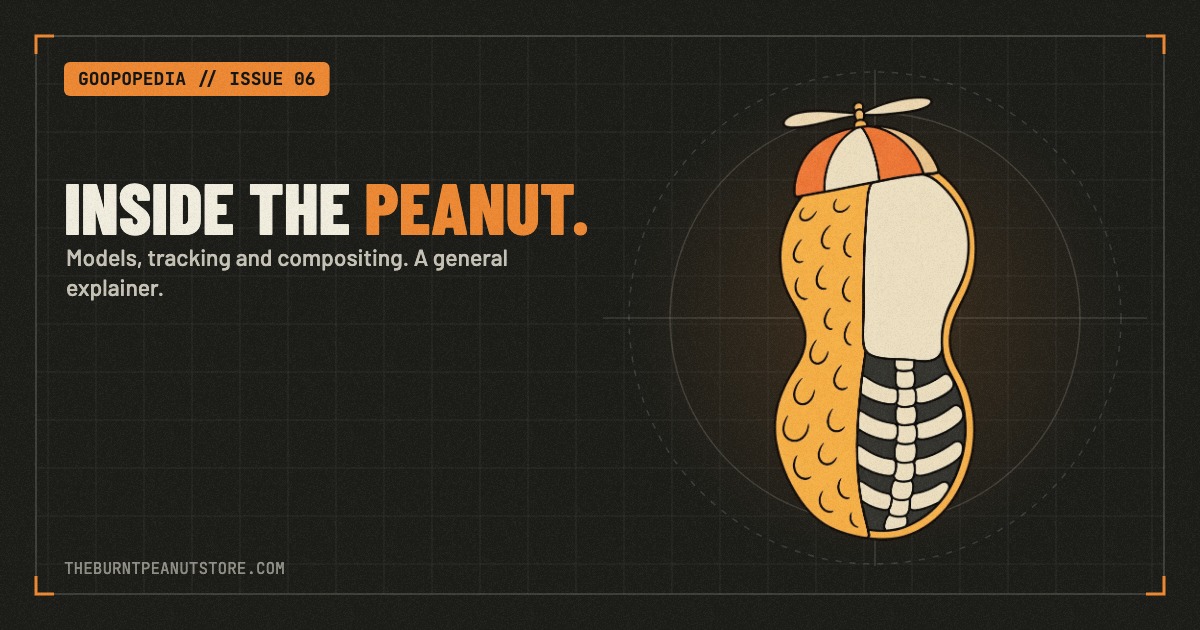
TheBurntPeanut's avatar has become a character in its own right, with a wardrobe that viewers can help change. There is real creative work behind the shell, and Peanut has discussed some of it himself.
What Peanut Has Said About Making the Avatar
On Around The Bar Podcast in September 2025, Peanut said he made his outfits himself and had recently started outsourcing some work because he was running out of time. He named Mark Renders among the artists helping him. Watch the conversation at 28:03.
Later in the same interview, he described teaching himself Blender and DaVinci Resolve. One example was the fire effect on his hat, which he said took roughly eight hours to figure out. Apparently, even a peanut has to lose an afternoon to software. Watch at 45:31.
Those comments give us a useful look at the work behind the character. For a practical explanation of how to build a similar avatar, the community tutorials below show their own methods.
How Fans Recreate the Look
BuiltByMoebs walks through making a Peanut-style avatar from a 3D model, using Blender for preparation and rigging, Lens Studio for tracking and face inserts, and OBS for the stream output. His example is a rat, so the method is about making your own character.
He introduces the tutorial as his reconstruction of how the effect might work. Treat it as a build guide for a similar look, rather than a tour of Peanut's actual setup.
Michael Feyrer Jr.'s tutorial takes that idea into interactive outfits. It demonstrates a Blender and Lens Studio workflow, nested scenes in OBS, and Streamer.bot actions that switch between the tutorial character's appearances.
The useful part is seeing the whole process: make a character, dress it, put it into a scene, then connect an audience action to a clothing change.
How Viewers Change Peanut's Outfits
Peanut's public StreamElements command list publishes the wardrobe controls. The !outfits response lists a cost of 5,000–10,000 Peanuts, and !peanuts checks a viewer's balance.
Several outfit responses are marked as queued. Check the current commands before expecting a costume to appear immediately.
Here is a selection of commands listed when checked in November 2026:
- Tarkov looks: !shturman, !birdeye, !tagilla, !sanitar, !killa and !bigpipe.
- Hats and accessories: !ushanka, !propeller, !fishbowl, !sodadrinking and !goggles.
- Other characters: !wizard, !cowboy, !pirate, !knight and !krustykrab.
- Creator-inspired outfits: !hutch, !shroud, !ninja, !nickmercs, !cloakzy and !gingy.
- Seasonal looks: !turkey, !santa, !reindeer and !elf.
That is a sampler, not the full closet. Use !outfits and the linked command page for the current selection. Source: the channel's published commands.
Why the Wardrobe Works
The funny part is how little it takes. The same peanut can be wearing a propeller hat, a fishbowl or a Tarkov boss outfit, and suddenly the whole scene reads differently.
The outfit names also give viewers a shared vocabulary. You do not need to understand the model's construction to know what someone means by the Shturman fit or the soda-drinking hat. A small visual change becomes something chat can recognize and participate in.
For the other side of the spectacle, visit the stream intro archive. For viewer messages and alerts, see the Tangia and TTS guide.
Quick Questions
Does Peanut use Blender? He has said he taught himself Blender and described using it for his fire-hat effect in the Around The Bar interview linked above.
Do the tutorials show his exact setup? They show community creators building similar avatars. Their particular scripts, scene arrangements and automation choices belong to those demonstrations.
What command lists the outfits? The channel's public bot lists !outfits for the selection and !peanuts for a viewer's balance. Availability and queue behavior should be checked on the live channel.